> For the complete documentation index, see [llms.txt](https://docs.channel360.co.za/llms.txt). Markdown versions of documentation pages are available by appending `.md` to page URLs; this page is available as [Markdown](https://docs.channel360.co.za/channel360-guide/groups/managing-group-details.md).
# Managing Group Details
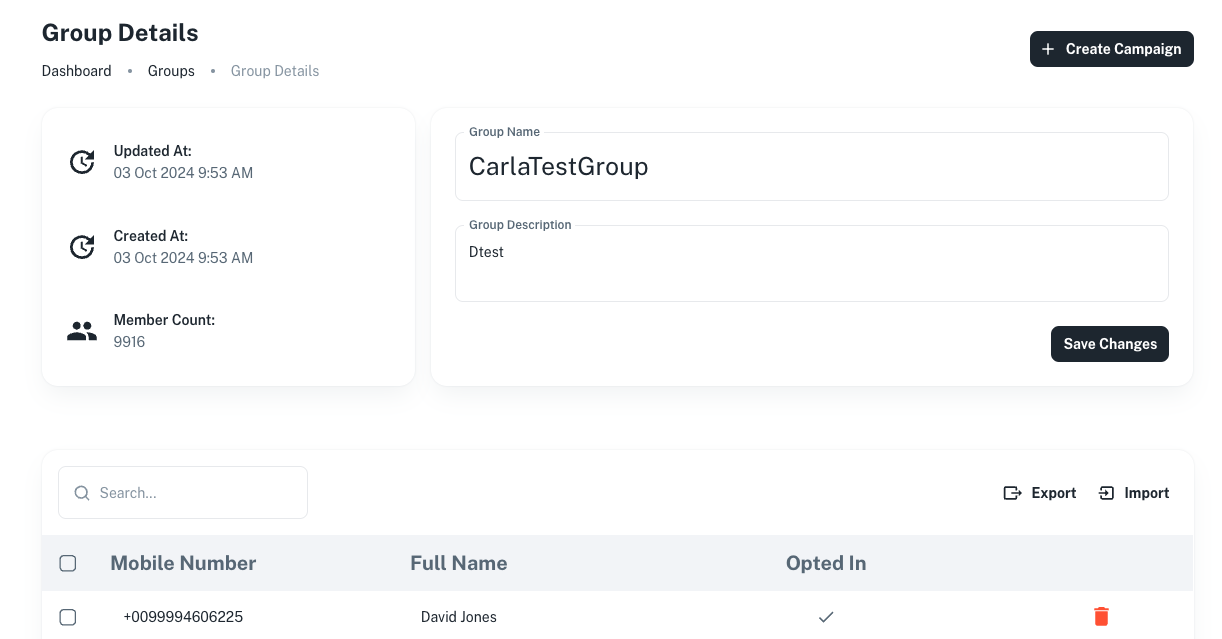
You can easily update your group information by editing the details directly within the group.
You can also view additional details, such as the number of subscribers in your group, the date the group was last edited, and when it was originally created.
Within your group you can also do actions like:
* **Import subscribers within your group**: Quickly add multiple subscribers to a group by importing them in bulk using a CSV file.
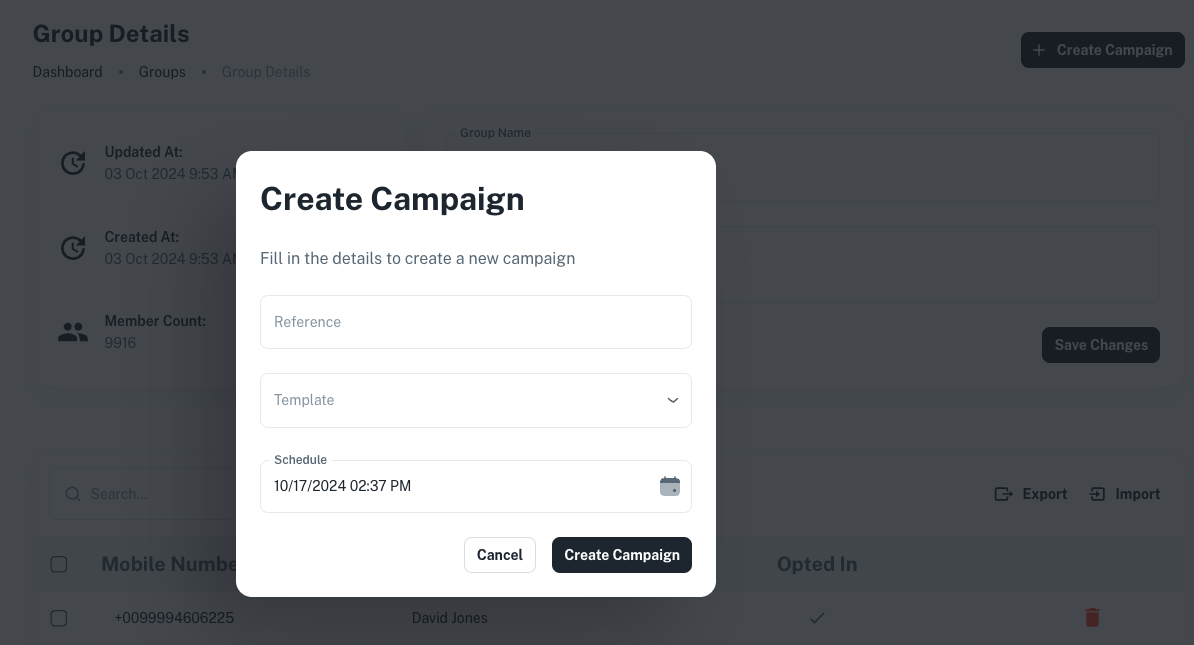
* **Schedule or create a campaign for the group**: Plan and execute campaigns for the group.
* **Export subscribers from the group**: Export a CSV file of all subscribers within the group for easy reporting.